
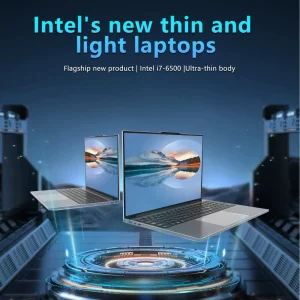
A laptop’s performance is influenced by three major hardware components: the processor, the memory, and the storage.
Processor (CPU):
Consider the processor the brain of your laptop. The more powerful it is, the smoother your laptop will handle multitasking, heavy programs, and long work sessions. If your tasks are simple, you don’t need the highest-end processor. But if you work with multimedia, virtual machines, or data-heavy tools, investing in a stronger CPU ensures your laptop stays fast for years.
Memory (RAM):
RAM determines how well your laptop handles multiple tasks at once. Insufficient RAM leads to slowdowns, freezing, and frustration— especially if you tend to keep many tabs and applications open. For most users, moderate RAM is sufficient, while professionals and creatives should look for higher levels to keep workflows efficient.
Storage Type and Size:
Today, you’ll generally choose between traditional hard drives and solid-state drives. Solid-state drives are faster, quieter, and more reliable, offering quick startup times and fast file access. As for storage size, think about what types of files you keep. If you store thousands of photos or large media files, you’ll want more space. Cloud storage can reduce the need for large internal capacity, but many people still prefer having plenty of room built in.
Screen Size and Display Quality
Your display is more important than most people realize. After all, you’ll be staring at it every day.
Screen Size:
Small screens are lightweight and perfect for travel. Medium sizes offer a great balance between usability and portability. Larger screens are ideal for creative professionals, gamers, and anyone who prefers more workspace.
Display Quality:
Color accuracy, brightness, and resolution all influence how enjoyable the screen is to use. Crisp text, vibrant images, and clear detail reduce eye strain and enhance productivity. If you’re editing photos or videos, display quality becomes even more important.
